
You’ve invested in great product photography.
But when your edited images go live, something feels… off.
- Gold jewelry looks warm in one shot, cool in another
- Shadows are soft on t-shirts but hard on jackets
- White backgrounds range from pure to grayish
The problem? No brand style guide for photo editing.
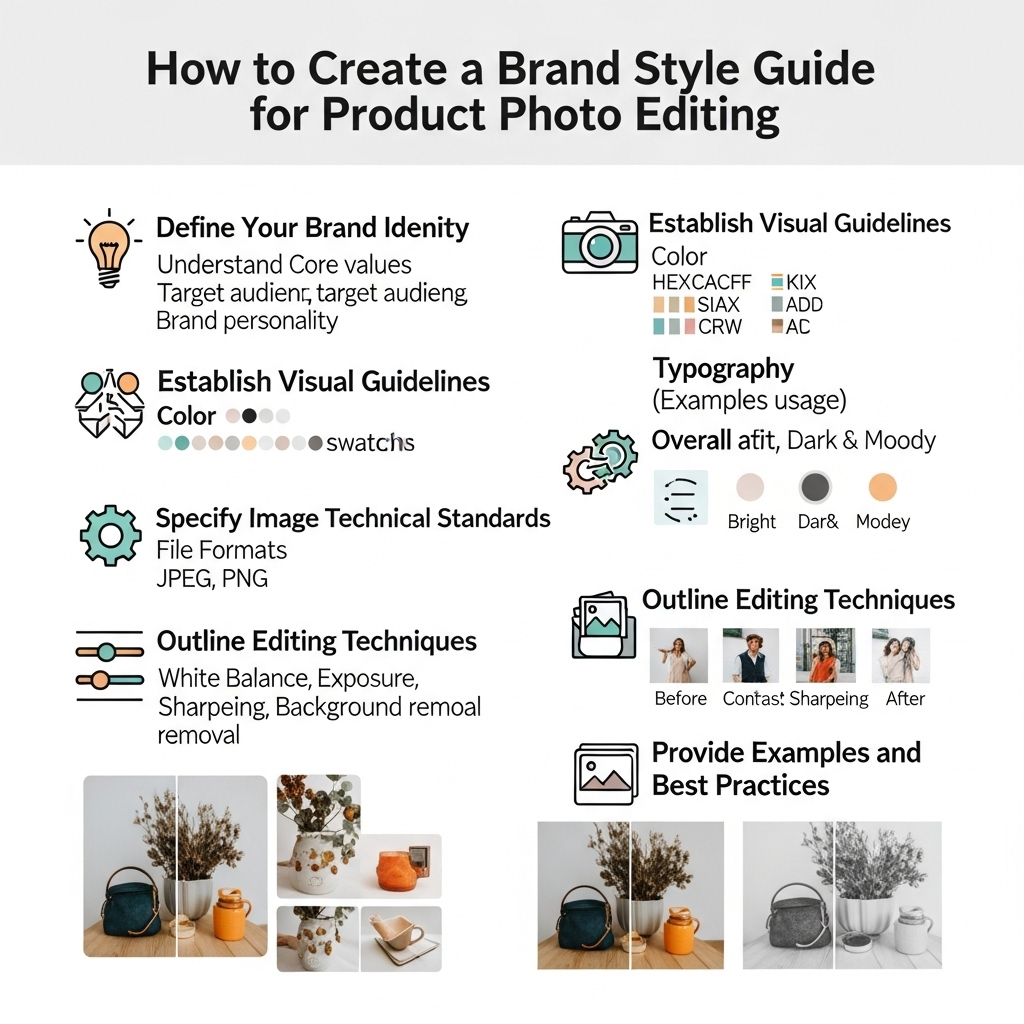
A strong style guide ensures every image—whether edited in-house or outsourced—looks like it belongs to your brand.
At Clip Path Pro, we’ve helped 500+ e-commerce brands create and implement bulletproof photo editing style guides—so their catalogs look cohesive, professional, and premium.
In this guide, you’ll learn exactly what to include, with real examples and a free downloadable template.
Why a Photo Editing Style Guide Matters
- 73% of shoppers say consistent visuals increase trust in a brand (Nielsen)
- Amazon and Google Shopping reward uniform, high-quality catalogs with better visibility
- Outsourced editors (like us!) can deliver pixel-perfect consistency—if you give them clear rules
Without a guide, you get:
⌠Inconsistent colors
⌠Mixed shadow styles
⌠Platform rejections
⌠Wasted revision time
7 Essential Sections for Your Product Photo Editing Style Guide
1. Background Standards
- Color: Pure white (specify RGB 255,255,255 for Amazon)
- Tolerance: “No gray tones, no gradients, no shadows on backgroundâ€
- Format: “Deliver as JPG (white BG) + PNG (transparent)â€
✅ Example: “All main product images must have RGB 255,255,255 background—verified in Photoshop.â€
2. Shadow & Reflection Rules
Define your brand’s realism level:
- Option A (Amazon-compliant): “No shadows or reflectionsâ€
- Option B (Shopify/lifestyle): “Soft, natural drop shadow—15% opacity, 5px blurâ€
- Option C (Luxury): “Subtle floor reflection for watches/jewelry onlyâ€
📌 Include a visual example (before/after).
3. Color Correction Guidelines
- Reference: “Match Pantone Cool Gray 2C for silver productsâ€
- Tolerance: “No oversaturation. Skin tones must pass ‘natural’ test.â€
- Tools: “Use selective color, not global saturation slidersâ€
💡 Pro Tip: Provide a reference image labeled “Approved Color.â€
4. Clipping Path Precision
- Tool: “Must be hand-drawn with Photoshop Pen Toolâ€
- Edge: “No halos. Zoom to 200% to verify clean cutâ€
- Complex Items: “Jewelry chains: isolate each link. Transparent fabrics: preserve sheernessâ€
5. Retouching Limits
Be clear about what’s allowed:
- ✅ Remove dust, scratches, lint
- ⌠Do not reshape product, add fake sparkle, or alter proportions
- 🚫 “No AI enhancement—only cleanup and color balanceâ€
This protects you from misleading edits that violate Amazon or FTC rules.
6. Image Sizing & Naming
- Dimensions: “2000x2000px, 72 DPIâ€
- File Naming: “SKU_COLOR_ANGLE.jpg (e.g., RING001_ROSEGOLD_FRONT.jpg)â€
- Format: “JPG for listings, PSD for A+ Contentâ€
7. Platform-Specific Rules
- Amazon: “Main image: white BG, no text, 85%+ product fillâ€
- Shopify: “Lifestyle images: include model + contextâ€
- Google Shopping: “No watermarks, borders, or promotional textâ€
Free Download: Brand Style Guide Template
We’ve created a ready-to-use template (Google Doc + PDF) with all 7 sections pre-formatted.
✨ Get it free:
Email kaisar.hasan@gmail.com with subject “Style Guide Templateâ€
→ We’ll send it instantly + include 3 real brand examples (jewelry, fashion, electronics).
How to Use Your Style Guide with an Editing Partner
When you outsource to Clip Path Pro, simply:
- Share your style guide (PDF or link)
- Send 3–5 reference images
- We’ll follow it exactly—and flag any ambiguities
“Their adherence to our style guide made our 2,000-SKU launch look like a luxury catalog.â€
— DTC Fashion Brand, USA
Final Thoughts
A brand style guide for product photo editing isn’t just a document—it’s your visual quality control system.
It saves time, reduces revisions, ensures compliance, and builds instant recognition across your catalog.
Whether you edit in-house or outsource, start with a guide.
Your future self—and your customers—will thank you.