
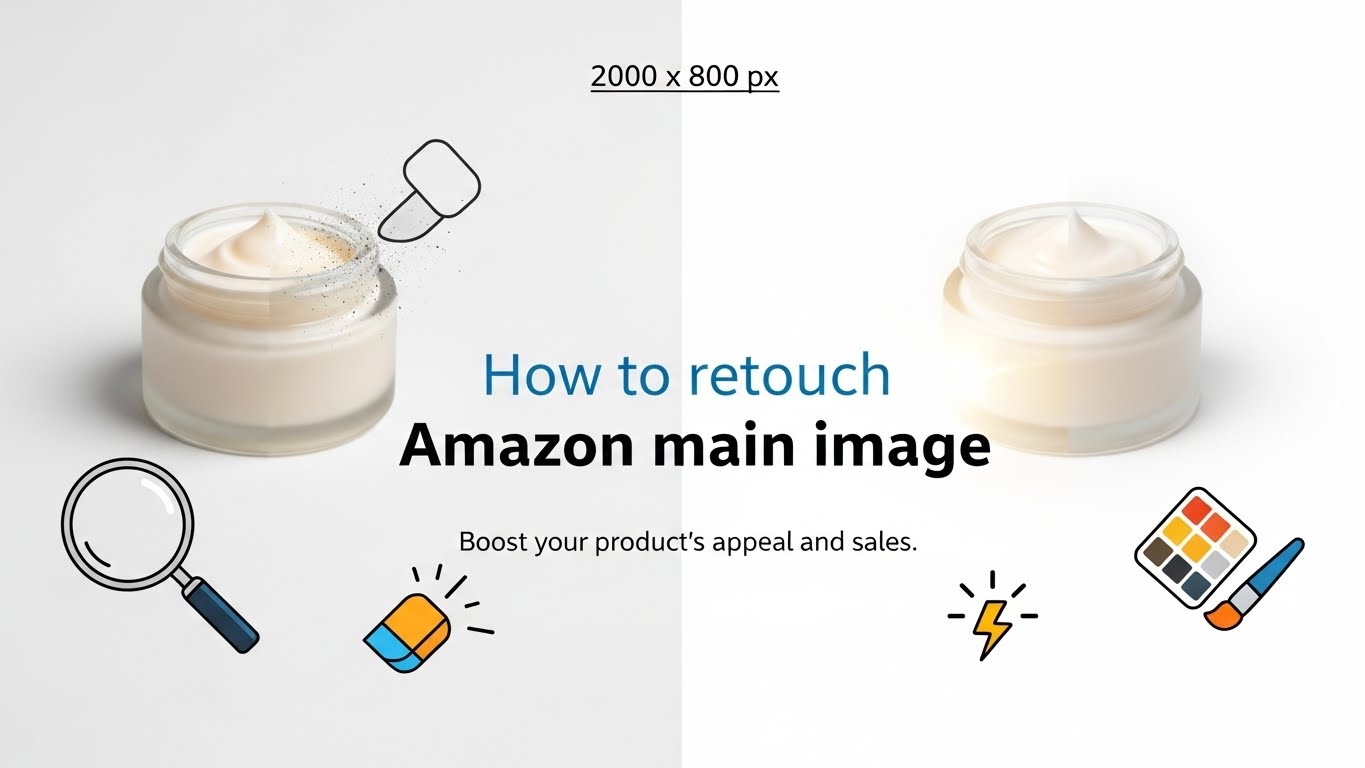
Your Main Image is the only thing standing between a customer scrolling past your product or clicking on it.
On Amazon, the Main Image has one job: Compliance.1 If it doesn’t meet Amazon’s strict technical standards, your listing will be suppressed (hidden from search).2 If it looks amateur, customers will assume your product is low quality.3
But how do top sellers get those crisp, bright, 3D-looking photos? They don’t just take a picture; they build it.
This guide provides the professional workflow on how to retouch Amazon main images, from achieving the perfect pure white background to adding the subtle shadows that make products pop.
I. The Non-Negotiables: Amazon Main Image Requirements (2025)
Before you open Photoshop, you must know the rules. Violating these results in instant suppression.
- Pure White Background: The background must be RGB 255, 255, 255.4 No off-white, no gray, no transparent backgrounds.
- 85% Frame Fill: The product must occupy at least 85% of the image area.5
- No Text or Graphics: No logos, “Best Seller” badges, or text overlays (unless the text is permanently printed on the product itself).6
- Image Size: Minimum 1,000 pixels on the longest side to enable the “Zoom” function.7 Recommended size: 2,000 x 2,000 pixels.
II. Step-by-Step Retouching Workflow
Here is the exact process professional retouchers use to create “Amazon-Ready” images.
Step 1: The Cut-Out (Clipping Path)
- The Problem: Many beginners use the “Magic Wand” tool to remove the background.8 This leaves jagged, unprofessional edges.
- The Fix: Use the Pen Tool (P) in Photoshop.9 Manually draw a path around the product. This creates a razor-sharp, smooth edge (“Clipping Path”) that separates the product from the background perfectly.
Step 2: The Pure White Background
- The Problem: A “white” wall is usually light gray (RGB 240, 240, 240). Amazon bots will reject this.
- The Fix: Create a new layer behind your cut-out product and fill it with RGB 255, 255, 255 (Hex Code: #FFFFFF).10
Step 3: Centering and Sizing
- The Problem: A small product floating in a sea of white space lowers your Click-Through Rate (CTR).
- The Fix: Transform (Ctrl+T) the product size until it fills 85% of the canvas. Ensure there is equal white space (padding) on the top, bottom, left, and right.
Step 4: Creating a Natural Shadow
- The Problem: A product on a white background often looks like it is “floating” in space. It looks fake.
- The Fix: You must create a shadow.
- Drop Shadow: A soft shadow underneath (Best for boxes/bottles).
- Cast Shadow: A shadow falling to one side (Best for tall items).
- Reflection Shadow: A mirror-like reflection (Best for electronics/jewelry).11
- Pro Tip: Keep the opacity low (15-30%). The shadow should be felt, not seen.
Step 5: Color Correction
- The Problem: Studio lights can wash out colors or make them look yellow.
- The Fix:
- Levels/Curves: Adjust the brightness so the product is bright but not “blown out.”12
- Vibrance: Slightly increase vibrance to make the colors pop on mobile screens.
- Sharpening: Apply a “High Pass” filter or “Unsharp Mask” to make textures (like leather or metal) look crisp.
III. Common Mistakes That Get Listings Suppressed
If your image is rejected, check for these errors:
- The “Prop” Trap: Did you include a flower next to your vase? Remove it. Props are forbidden in main images.13
- The “Badge” Trap: Did you add a “Made in USA” logo? Delete it. That belongs in the secondary images.
- The “Border” Trap: Did you add a thin grey border to frame the image? Amazon forbids borders.14
IV. Outsourcing vs. DIY
Retouching a single image takes a professional about 15–30 minutes. If you have 100 SKUs, that is 50 hours of work.
Outsourcing is often cheaper than your hourly rate as a business owner. A professional service ensures your clipping paths are perfect, your shadows are realistic, and your files are compliant with Amazon’s algorithm every single time.
🤝 Get Amazon-Compliant Images Today
Don’t let a “Suppressed” notification kill your sales. We specialize in Amazon Main Image Retouching, creating crisp, compliant, high-converting photos that pop off the page.
| Contact Person | Website | ||
| Kaisar Hasan | [email protected] | +8801717452545 | ClipPathPro.Com |