
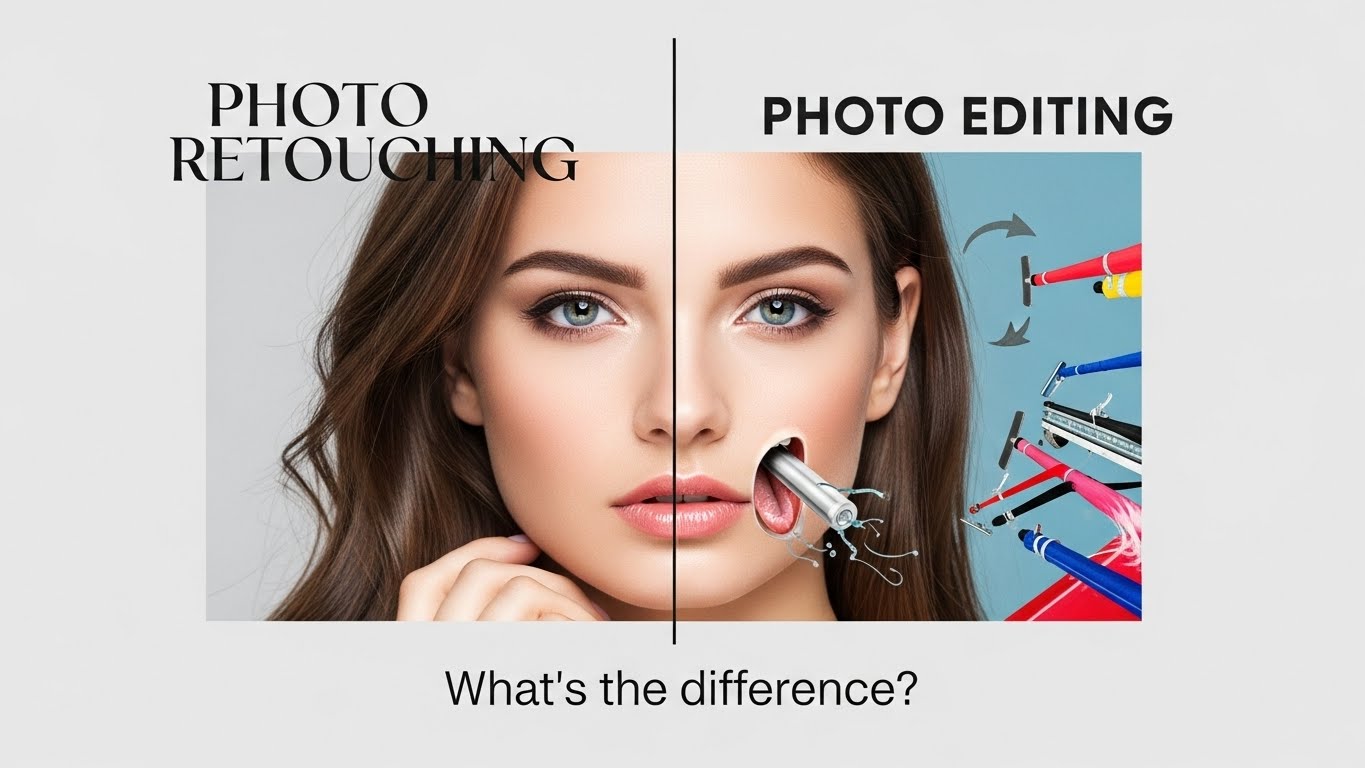
In the world of professional photography and e-commerce, the terms “editing” and “retouching” are often used interchangeably.1 But to a professional, they mean two completely different things.
Asking a photographer to “edit” your photos when you actually want them “retouched” is like asking a mechanic to wash your car when you actually wanted the engine fixed. You will get a result, but it won’t be what you expected.
Understanding the difference between Photo Retouching vs. Photo Editing is critical for ordering the right service, managing your budget, and getting the final look your brand deserves.
This guide breaks down the technical differences, the tools used, and when your business needs each one.
I. What is Photo Editing? (The Foundation)
Photo Editing (often called “Basic Adjustments” or “Global Editing”) refers to changes that affect the entire image at once.2
Think of editing as the broad strokes. It is the process of developing the digital negative (RAW file) into a usable image. In a typical workflow, a photographer might shoot 1,000 images and “edit” all of them to ensuring consistency.
Common Editing Actions:
- Exposure Correction: Making the whole image brighter or darker.3
- White Balance: Fixing color casts (e.g., removing the yellow tint from indoor lighting).
- Cropping & Straightening: Fixing the composition and horizon line.
- Contrast & Saturation: Making the colors pop.4
The Tool: Usually Adobe Lightroom or Capture One.
II. What is Photo Retouching? (The Polish)
Photo Retouching refers to precise, localized changes that affect specific pixels within the image.5
Retouching is the art of polishing the details.6 It is a time-consuming process done only on the “Select” images—the final few that will actually be used on your website or in a magazine.
Common Retouching Actions:
- Blemish Removal: Removing acne, scars, or dust spots.7
- Skin Smoothing: Using “Frequency Separation” to smooth texture without looking plastic.
- Object Removal: Erasing a distracting trash can from the background.8
- Ghost Mannequin: Merging two photos to make clothes look 3D.
- Compositing: Changing the sky or merging multiple exposures.
The Tool: Almost exclusively Adobe Photoshop.
III. The Comparison Table (At a Glance)
To capture the Google Featured Snippet, here is the definitive breakdown:
| Feature | Photo Editing | Photo Retouching |
| Scope | Global (Affects the whole photo). | Local (Affects specific details). |
| Time Per Image | Seconds to Minutes. | 15 Minutes to Hours. |
| Volume | High (Batch processing hundreds of photos). | Low (Only the best images). |
| Goal | Make the image look “Natural” and “Clean.” | Make the image look “Flawless” and “Perfect.” |
| Software | Lightroom, Camera RAW. | Photoshop. |
| Price | Lower cost. | Higher cost (per image). |
IV. Analogy: The House Construction
If you are still unsure, think of a photograph like building a house.
- Photo Editing is building the structure.9 You put up the walls, install the roof, and make sure the house is solid and straight. You do this for every house on the street.
- Photo Retouching is the interior design. You paint the walls, hang the art, and polish the floors. You only do this for the “Model Home” that you want to show off to buyers.
V. Which Service Do You Need?
You Need Photo Editing If:
- You have a large batch of event photos (wedding, corporate event).
- You want a consistent “color grade” or mood across your Instagram feed.
- Your photos are too dark or the colors look “off.”
You Need Photo Retouching If:
- E-commerce: You need a pure white background, shadow creation, or wrinkle removal on clothing.
- Headshots: You need to remove stray hairs, whiten teeth, or soften under-eye bags.10
- Real Estate: You need to replace a cloudy sky with a blue one or remove a car from the driveway.
Conclusion: You Usually Need Both
For a professional result, the workflow is almost always Edit first, then Retouch.
An image must be properly exposed (Edited) before you can start fixing the details (Retouched). By understanding the distinction, you can communicate better with your service provider and ensure you aren’t paying for “retouching” when all you needed was a quick color fix—or vice versa.
🤠Get the Perfect Edit Every Time
Whether you need bulk Photo Editing for a catalog or high-end Photo Retouching for a hero campaign, our team delivers pixel-perfect results tailored to your specific needs.
| Contact Person | Website | ||
| Kaisar Hasan | khjewel73@gmail.com | +8801717452545 | SellerListingPro.Com |